

Some vector programs do have the ability to also include color gradients, color fading, and color blending, but these are technically raster effects and are not accepted in processes that require 100% true vector graphics such as vinyl cut signs, specialty printing, engraving, etching, and metal stamping. A supplier that requires vector or "high resolution" does accept raster effects. To see vector graphics with color gradient blends please click here.
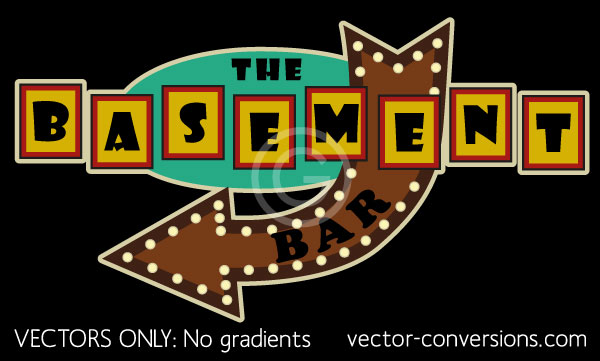
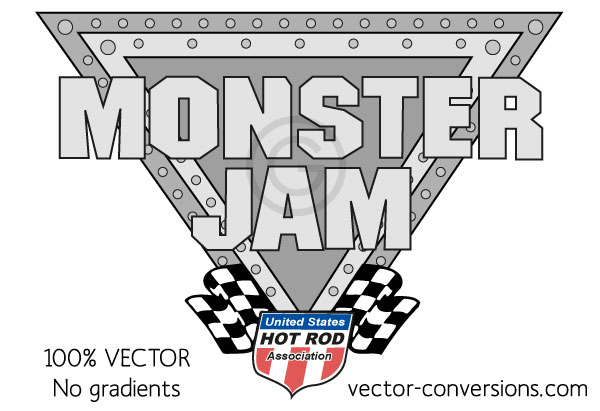
Vectorizing images using only vector shapes, no raster effects.
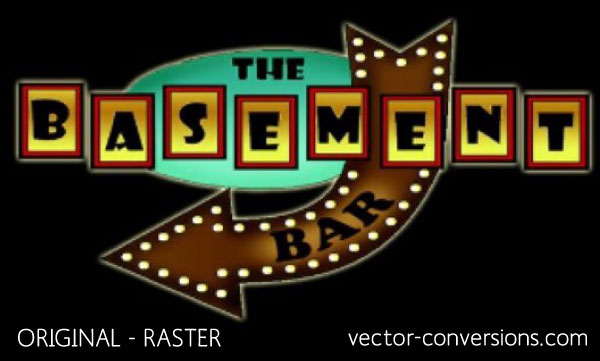
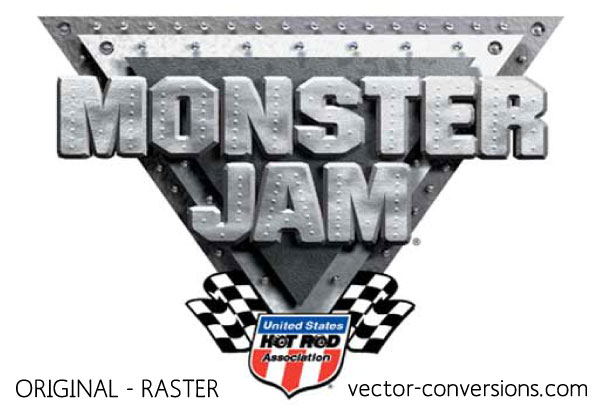
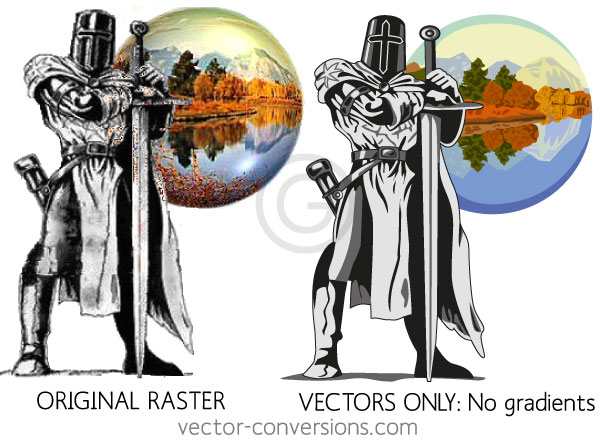
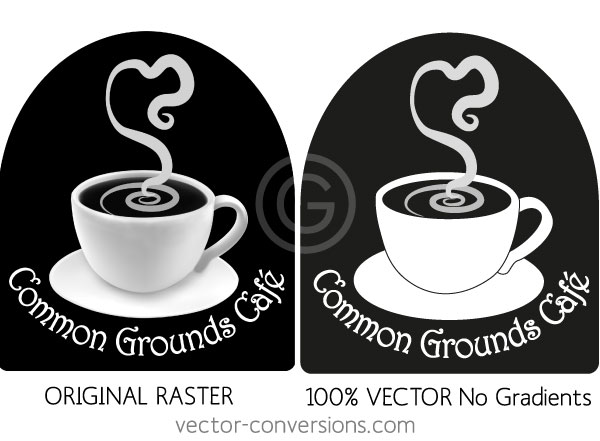
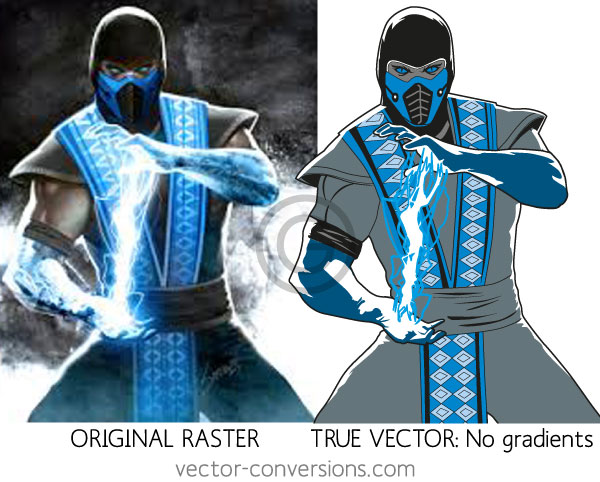
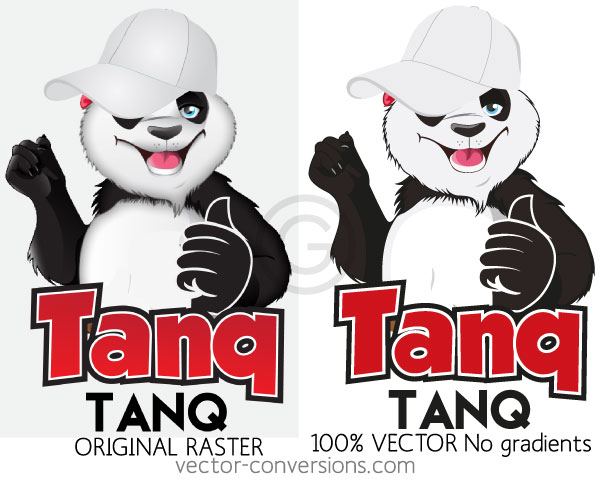
If a raster image needs to be reproduced in vector format and the original image has no color blends, the vector image can look the same as original. But if the original raster image has soft color blends and gradients, redrawing it using only vector shapes (no raster effects) will render a vector graphic that looks slightly to considerably different from the original. The purpose of this page is to give you an idea of how different an image with color blends will look after it is converted to 100% true vector format without raster effects.
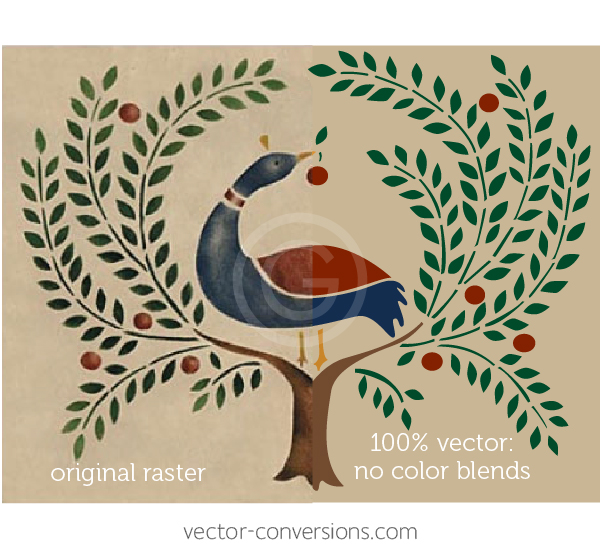
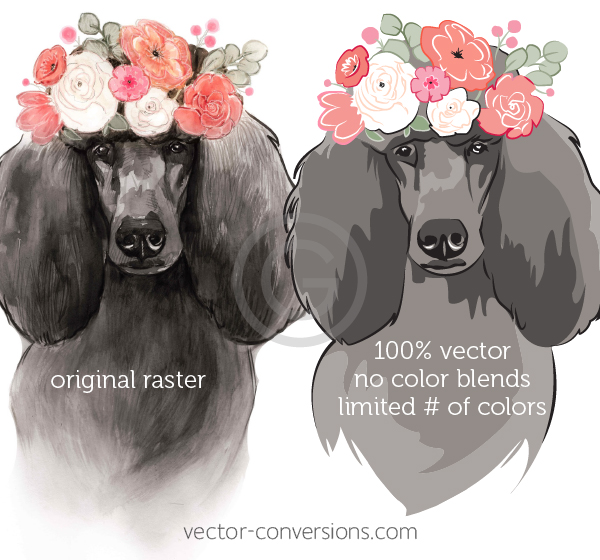
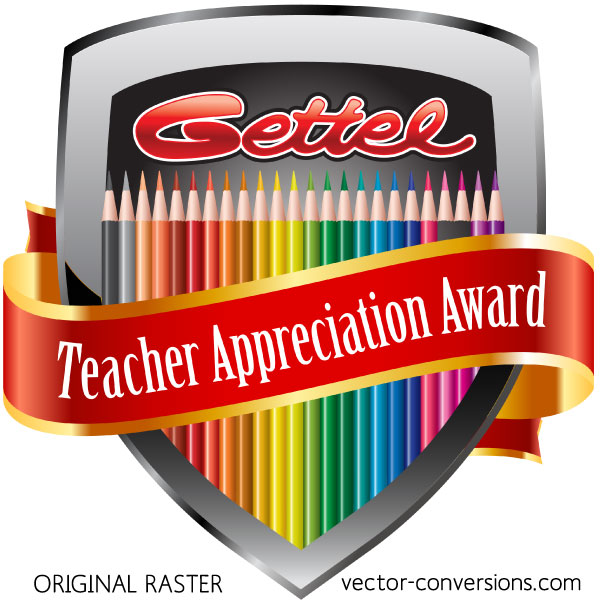
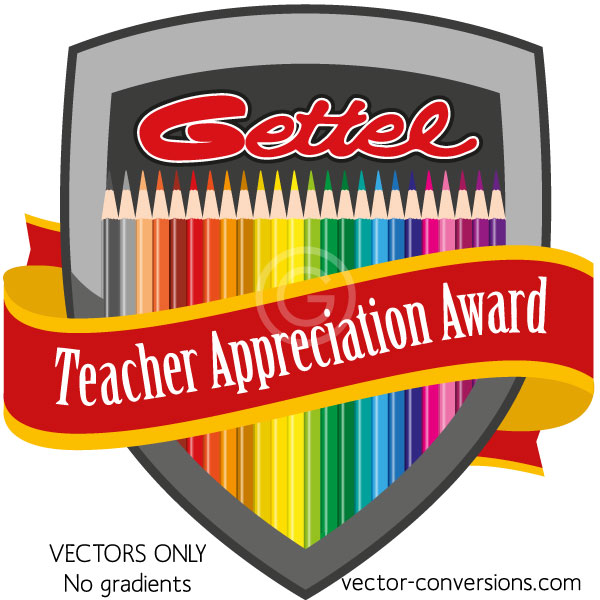
The images on the left are the original full color raster images. The images on the right have been manually drawn in vector format with limited amount of colors.
At vector conversion we draw according to your specifications, either using only vectors, or vectors plus gradients. Learn more about Raster vs Vector.