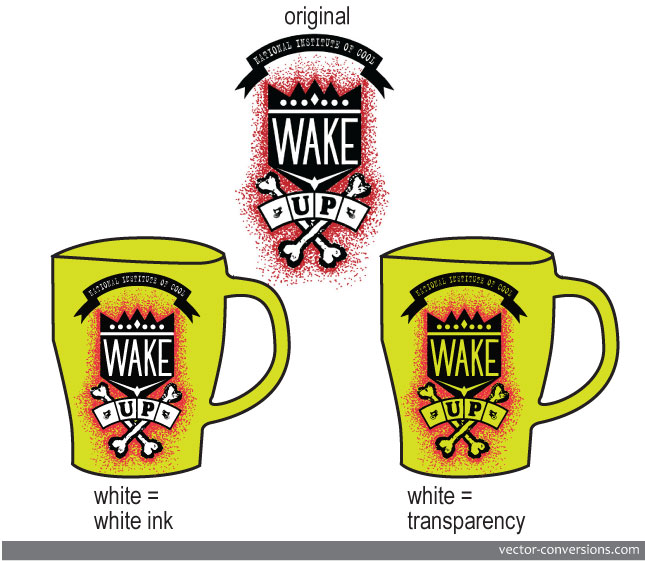
Preparing vector files with white as color or as transparency.
When we prepare vector files for color separation we need to know if the white areas on the graphic will need to be considered as white color ( as in white ink) or if these white areas actually represent absence of color / transparency: a knockout area that allows the background to show through, e.g. the color of the shirt being printed.
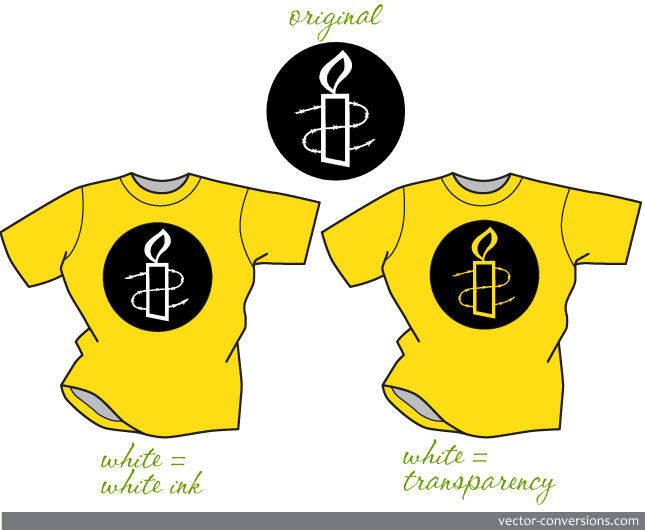
How the white areas are created on a vector file, either as white color or as transparency, is important to many processes. For example, spot color printing requires that a color number be assigned to the white areas in order for the white to be included as one of the colors in the color separation process. In vinyl-cutting, if a color design is going over a white background, any white object on the vector file needs to be omitted, otherwise the sign machine will cut out the white shapes when they are not needed.