
Line Drawings for Manuals
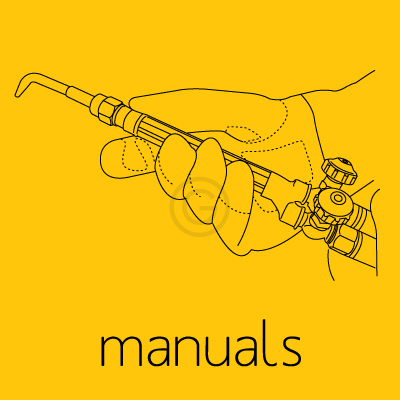
We convert photos to vector line drawings for manuals.
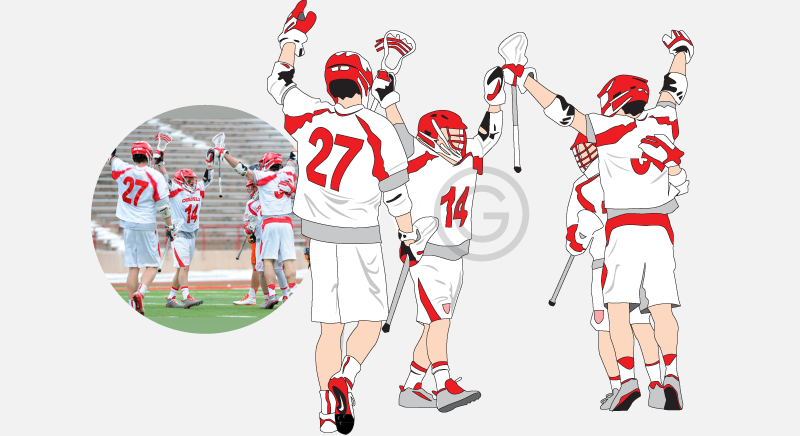
Photo to Vector Drawing
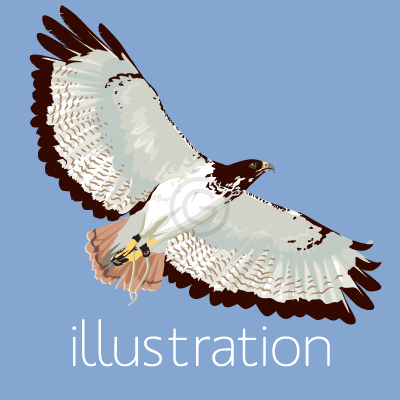
Photo to vector conversion, color vector drawings.
Photo to Vector Line Art

Photo to vector drawings in black and white and true line art.
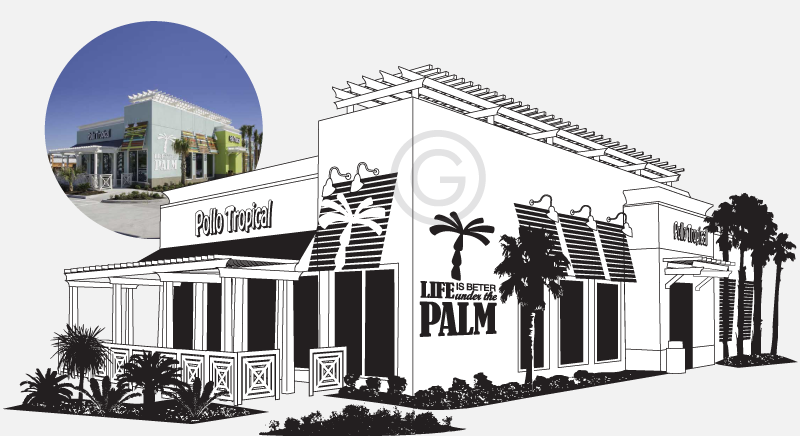
Vector Buildings
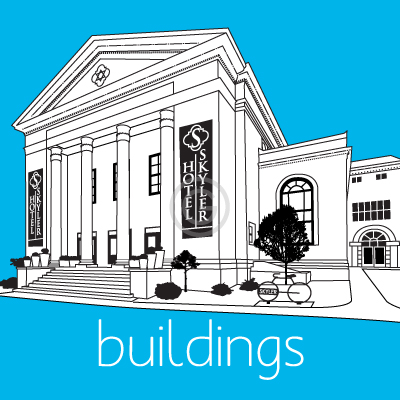
Vector drawings of buildings in black-only line art or color format.
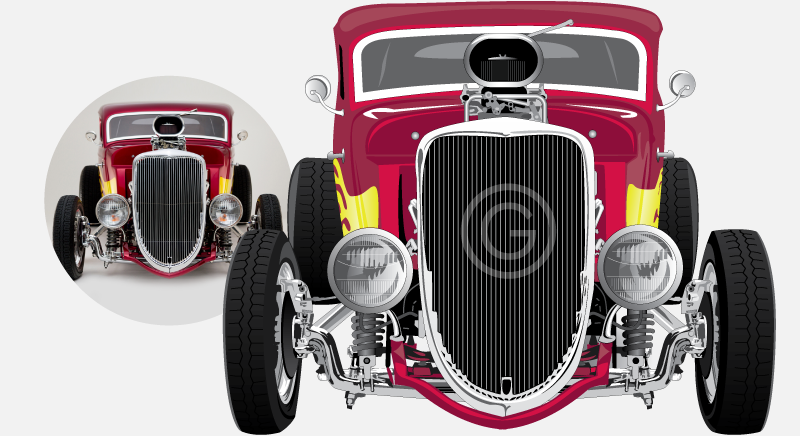
Vector Vehicles
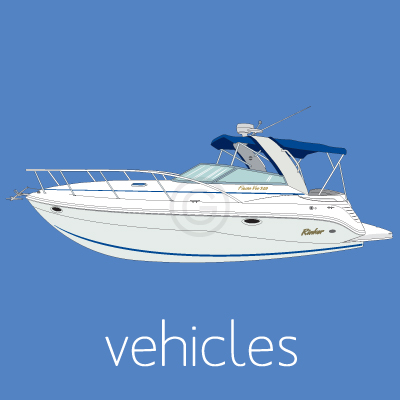
Vector drawings of vehicles; cars, planes, boats, trains, bikes, trucks.
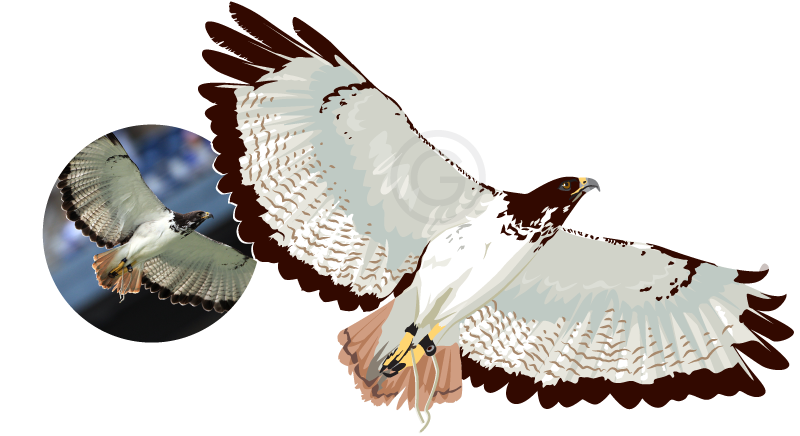
Vector Animals
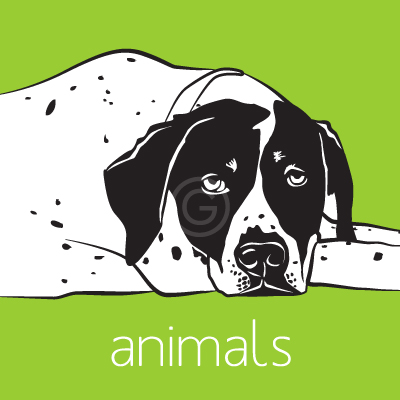
We create custom vector drawings of pets and other animals from customer-supplied photographs
Exact-Copy Vectorization
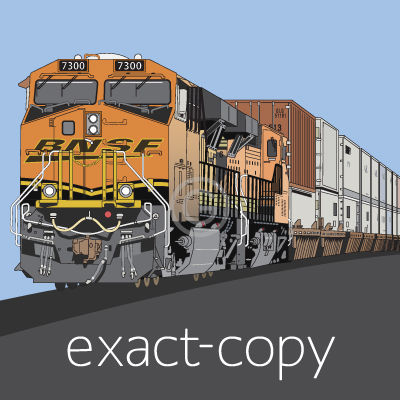
Raster graphic to vector graphic "exact" copy vector conversion.
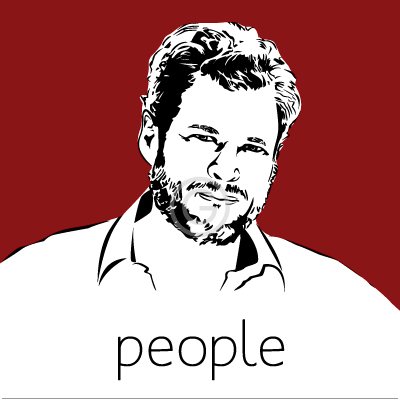
Introducing: Vector STOCK

In addition to vector conversion service, we are now offering vector graphics that can be purchased online
Vector Conversion service specializing in manually re-drawing images in vector format. We redraw your image in vector format so that it is suitable for:
- Specialty printers (printing on mugs, frisbees, koozies, etc)
- Screen printers
- Banners and other large format printing
- Signs: cut, sandblasted, carved
- Engraving
- Glass etching
- Metal stamping
- Vehicle wraps
- Decals, labels, stickers
- Web use and more.
Send us your image to get a quote and proof within 2- 24 hrs. Based in Sarasota Florida, USA.
What type of files can be converted to vector?
As long as we can see the image, we can redraw it in vector format. Vector Conversion includes but it's not limited to: JPG to vector, GIF to vector, PNG to vector, PSD to vector, BMP to vector, TIF to vector, PDF to vector, and more.
What type of vector files does Vector Conversions supply?
We draw with Adobe Illustrator and can provide these vector formats: AI, CDR, EPS, PDF, SVG and more. Click here for a list of formats.
What can vector graphics be used for?
Vector files are suitable for specialty printers, sand-blasted signs, laser cut signs, large format banners, billboards, vehicle wraps, engravers, glass etching, metal stamping, and more.
How is the vector conversion done?
We manually draw in vector format using Adobe Illustrator. We prepare the vector file with your specifications so that it is suitable for your intended purpose. On special circumstances a combination of manual/automated vector tracing may be offered as an option depending on project needs.
What styles of vector drawings does Vector Conversions do?
Exact Copy Vector Conversion (an exact replica of your image), Photo to Vector Line Art Drawing, Photo to Vector Color Illustrations, 100% True Vector, Vectors plus Raster effects (vectors + color blends), Vector Line Drawings for Manuals
Why Convert to Vector?
Vector art is scalable - You can enlarge a vector file to any size without losing quality. Raster images on the other hand are made of pixels and do not scale up without losing quality.
Vector graphics are resolution independent, they can be used at ANY resolution. The resolution of a raster image is limited to the number of pixels included in the file.
Reduce the number of colors & printing costs - With vector images you can reduce the number of color plates the printer will need to print your image - and reduce printing costs - and you can select from pre-printed Pantone spot color swatches for an exact color match.
Vector is required by many companies - Many companies prefer vector art and some processes must have vector art such as engraving, glass etching, sand blasted and cut signs, metal stamping.
When a photo is not accepted or wanted for a particular project - Vector graphics are drawings, so this option should only be considered if replacing the photo with a drawing is acceptable.